 Game Studio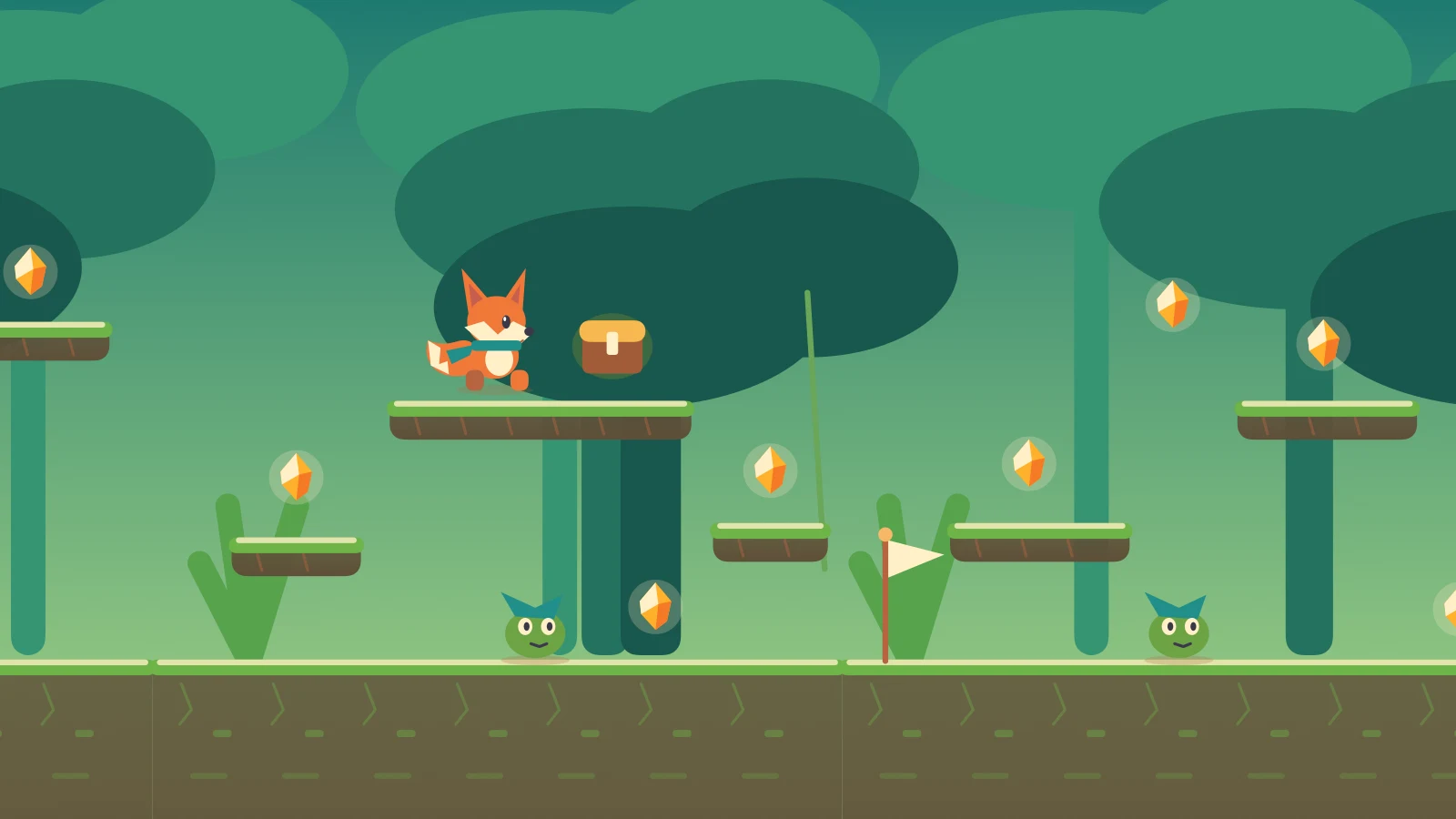

LoopKids
Offline games and creative activities for children on iPad, Mac and Apple TV. Learn, play and explore at your own pace, with parent-controlled playtime. Completely free, with no ads, tracking or in-app purchases.
Learn, play and discover
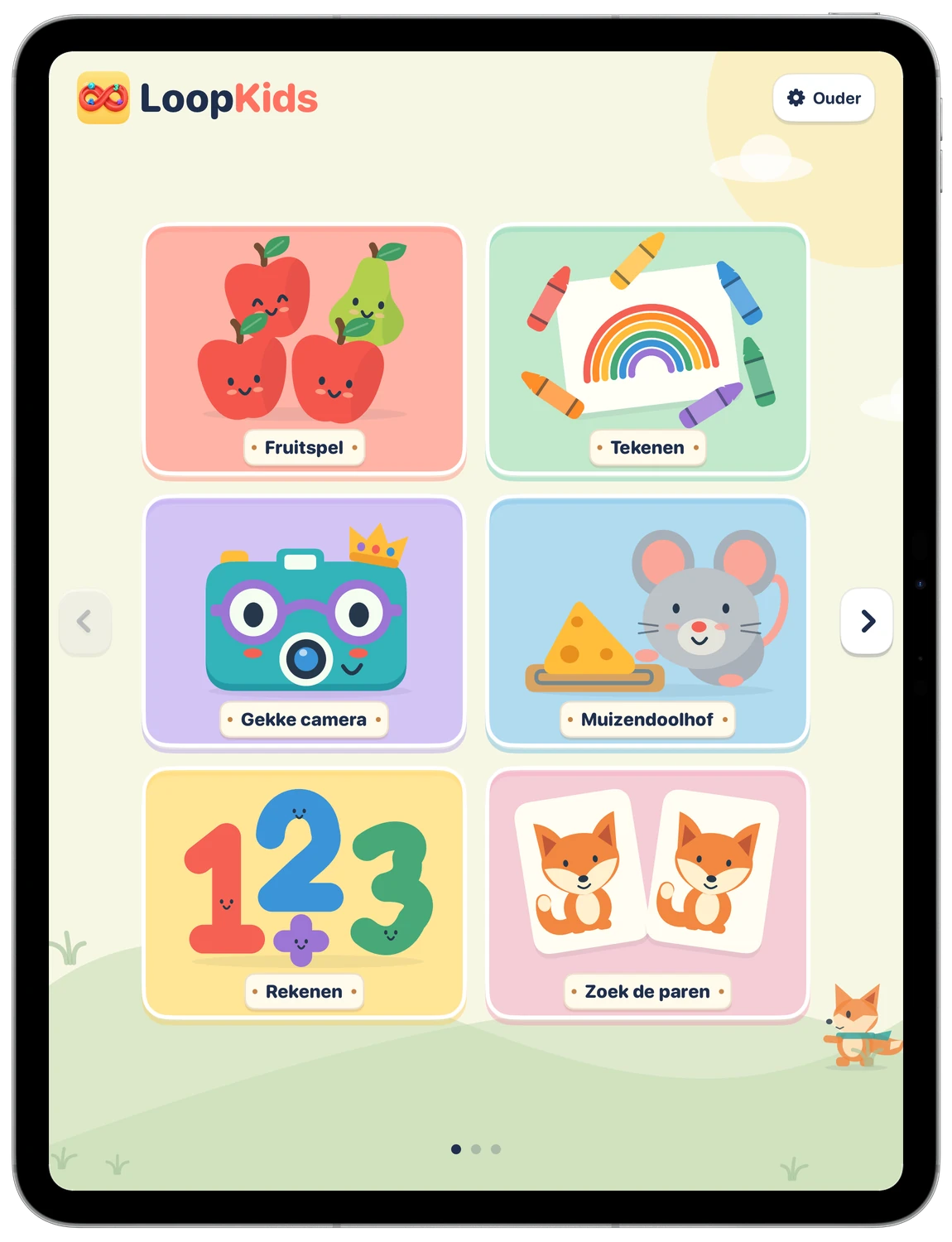
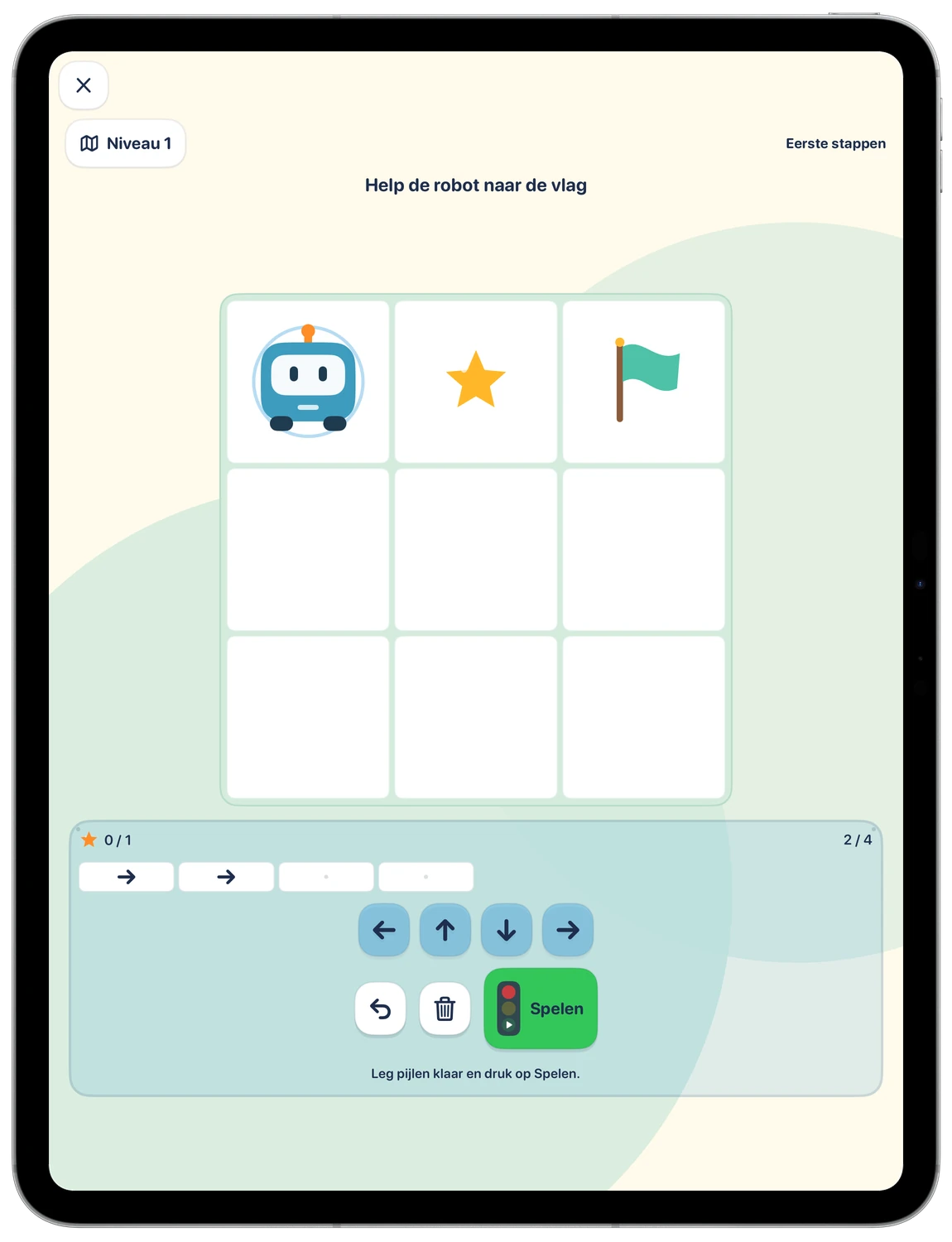
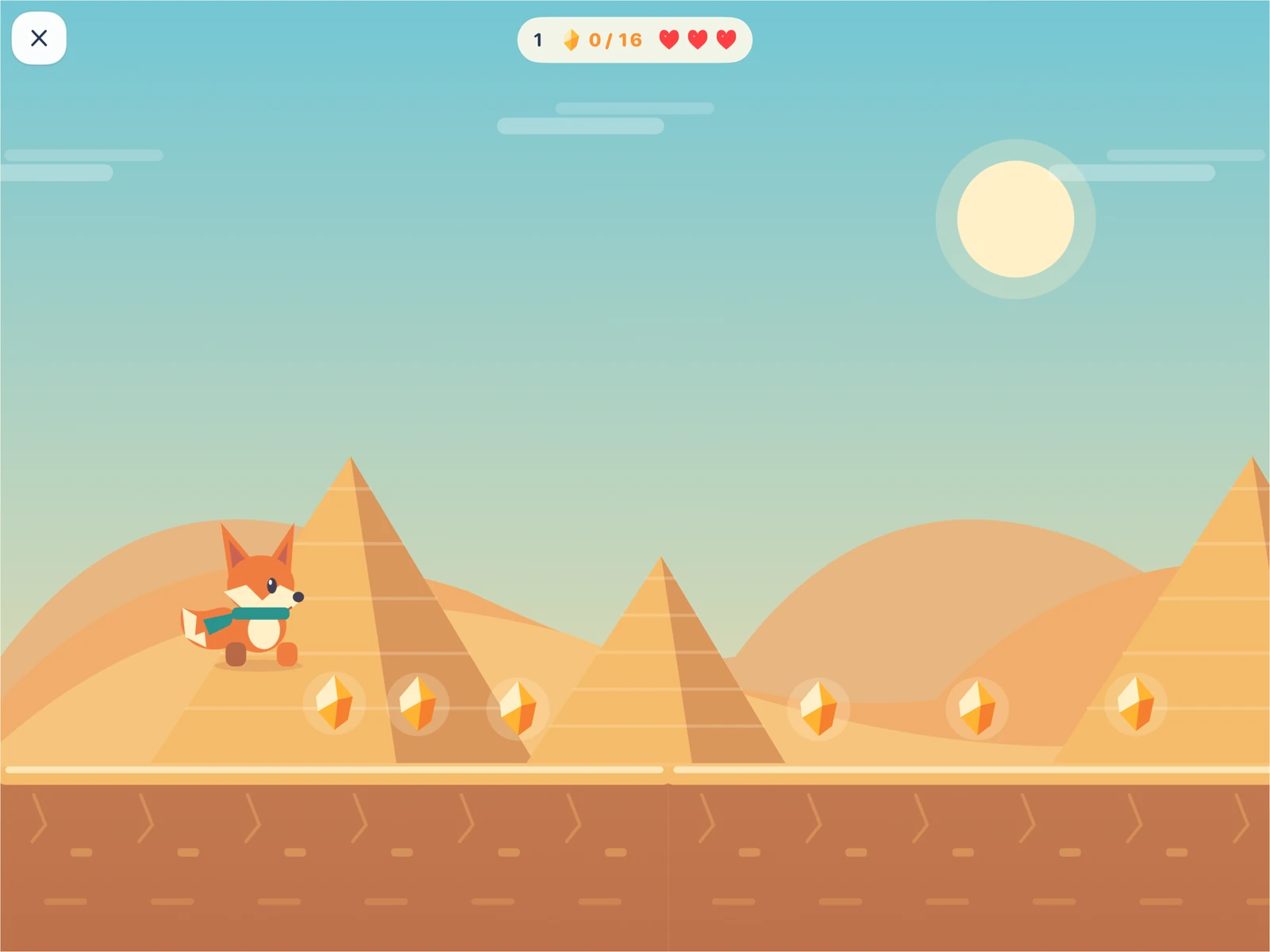
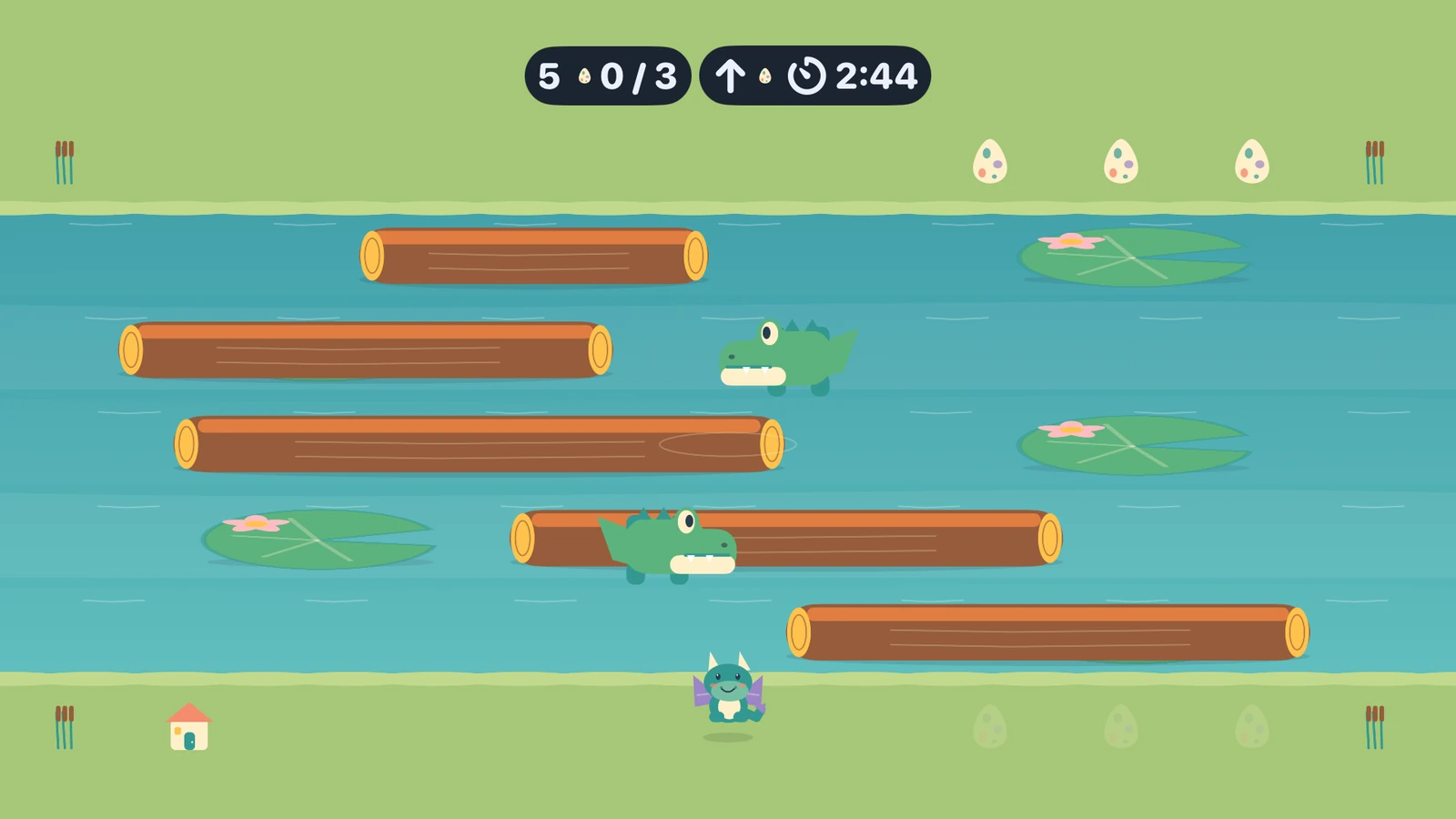
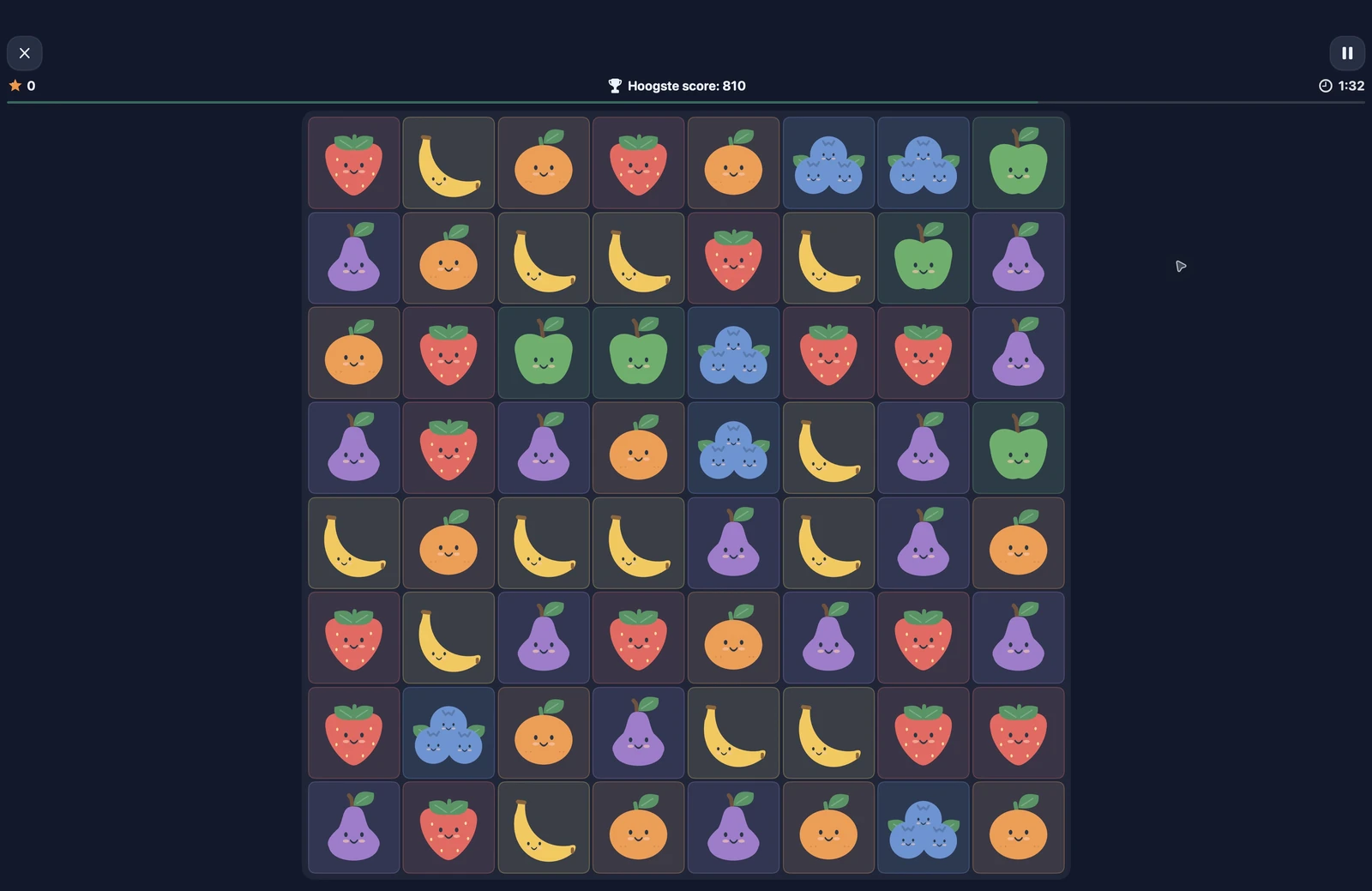
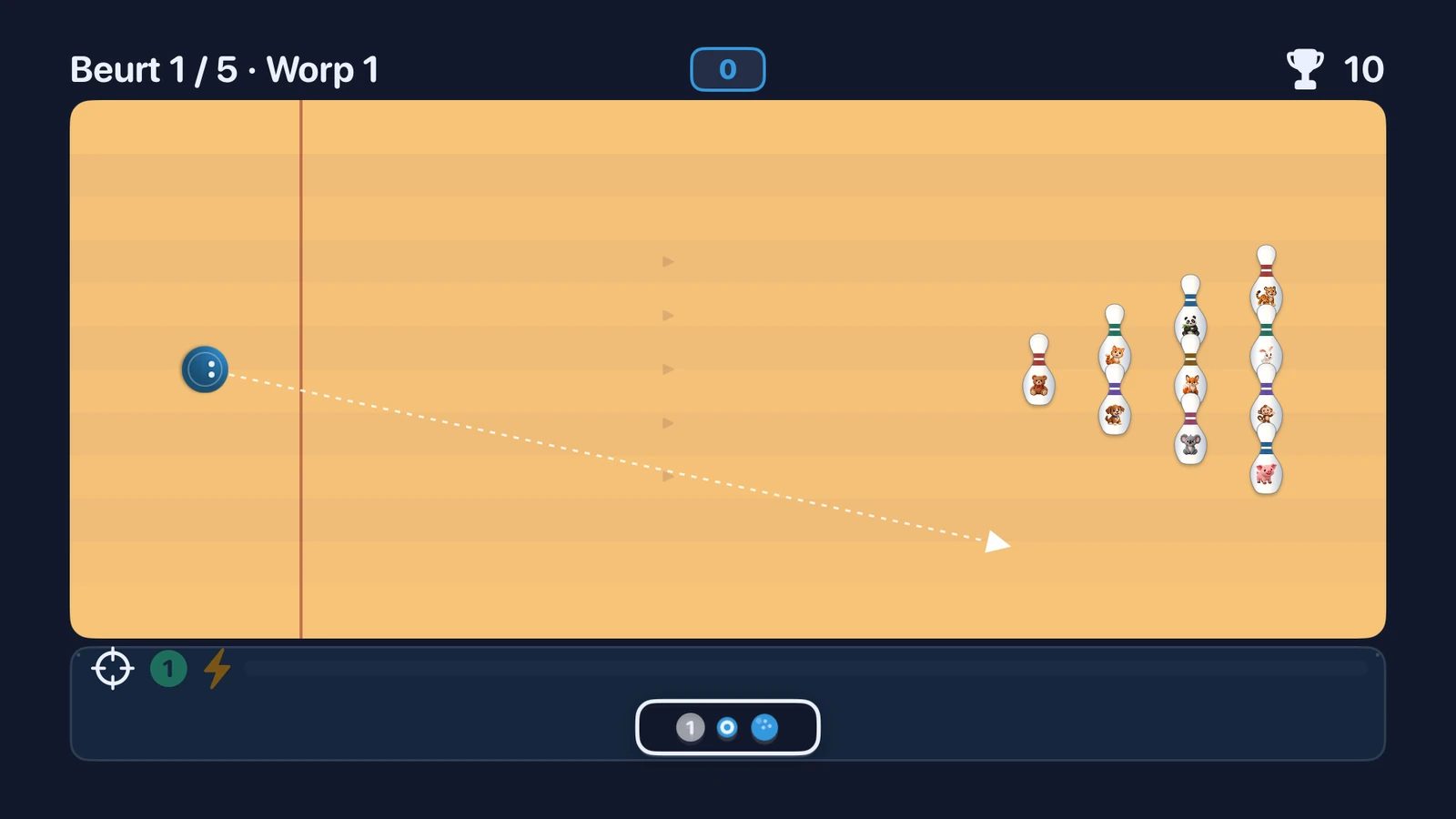
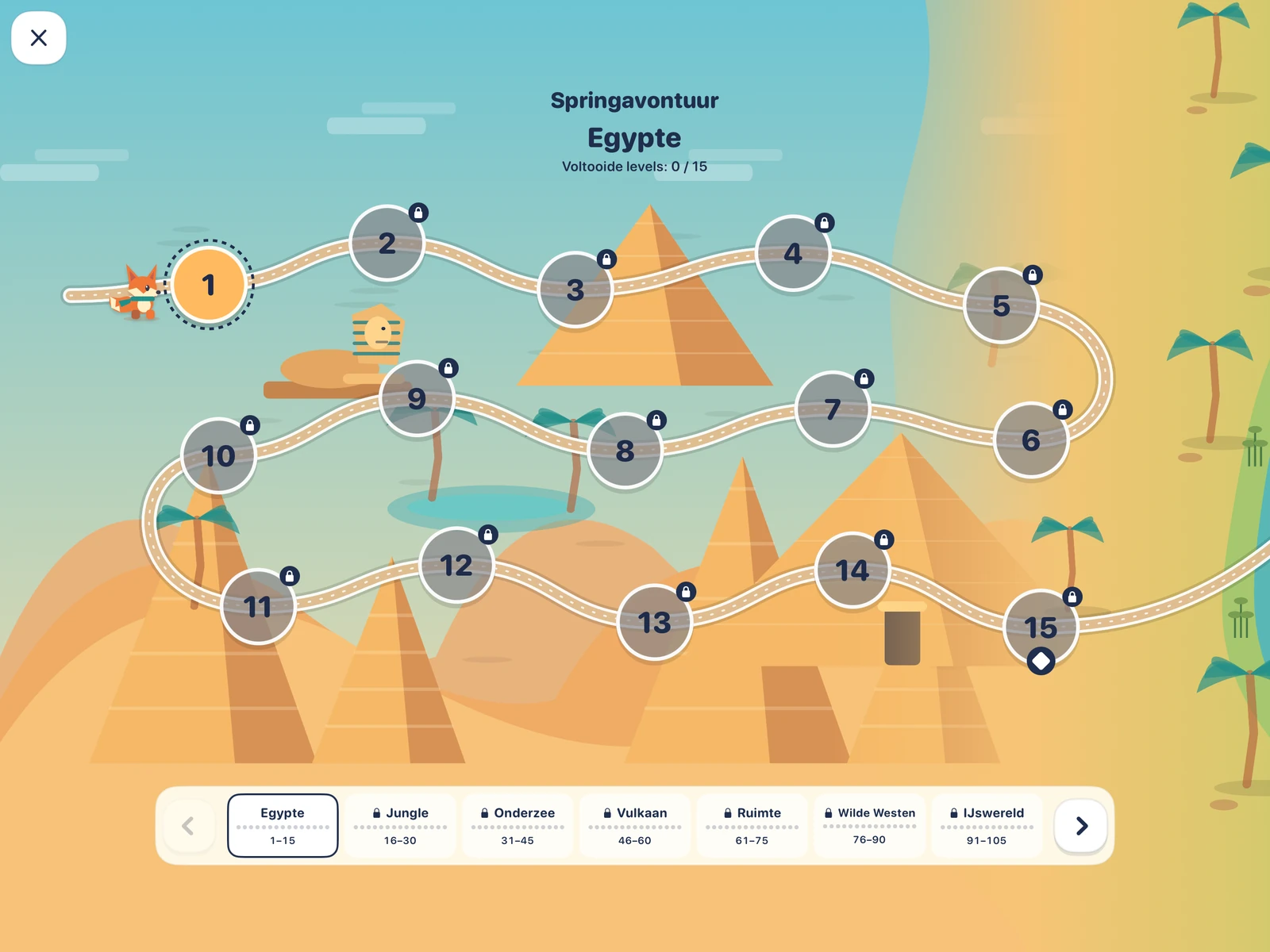
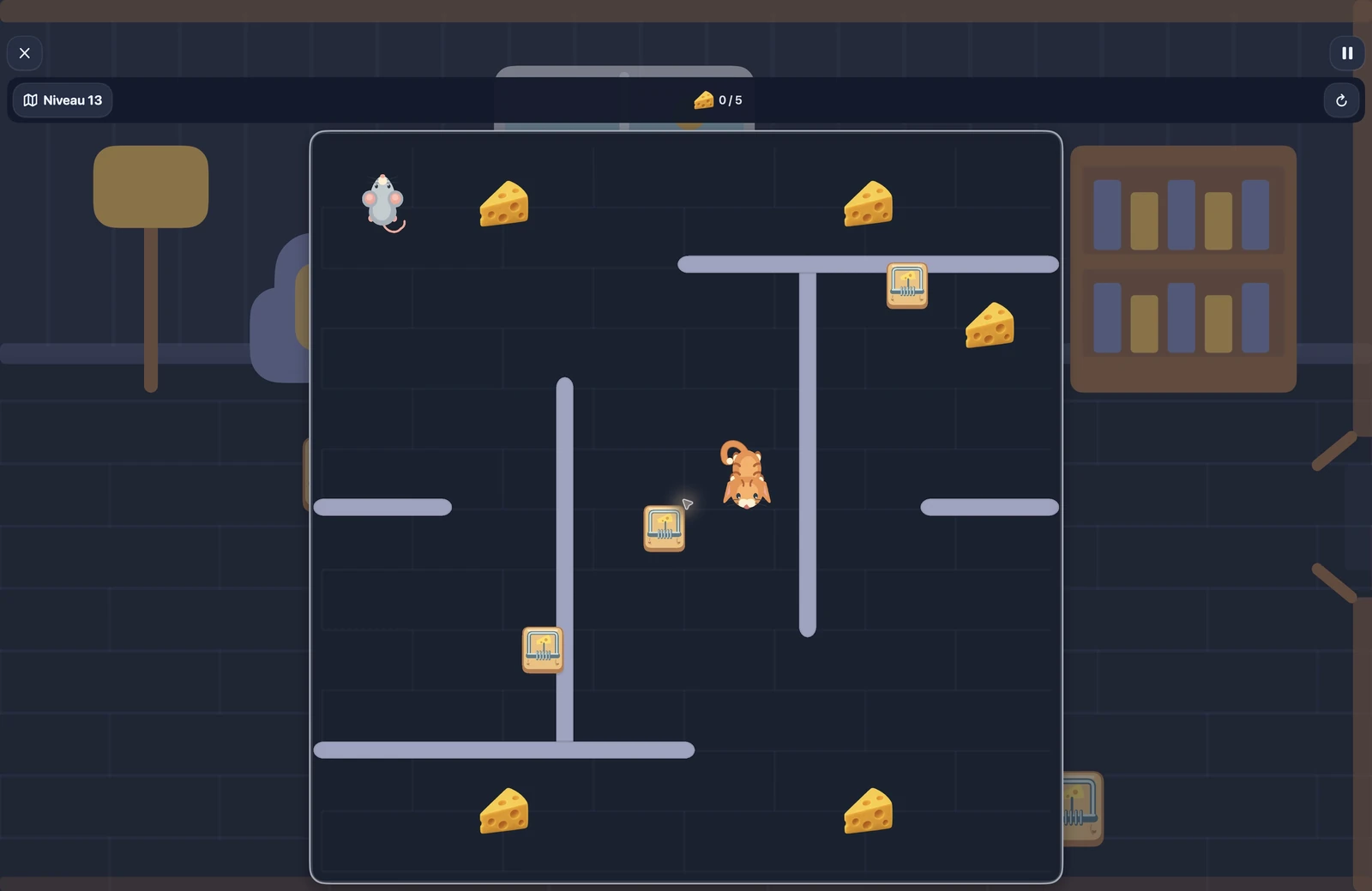
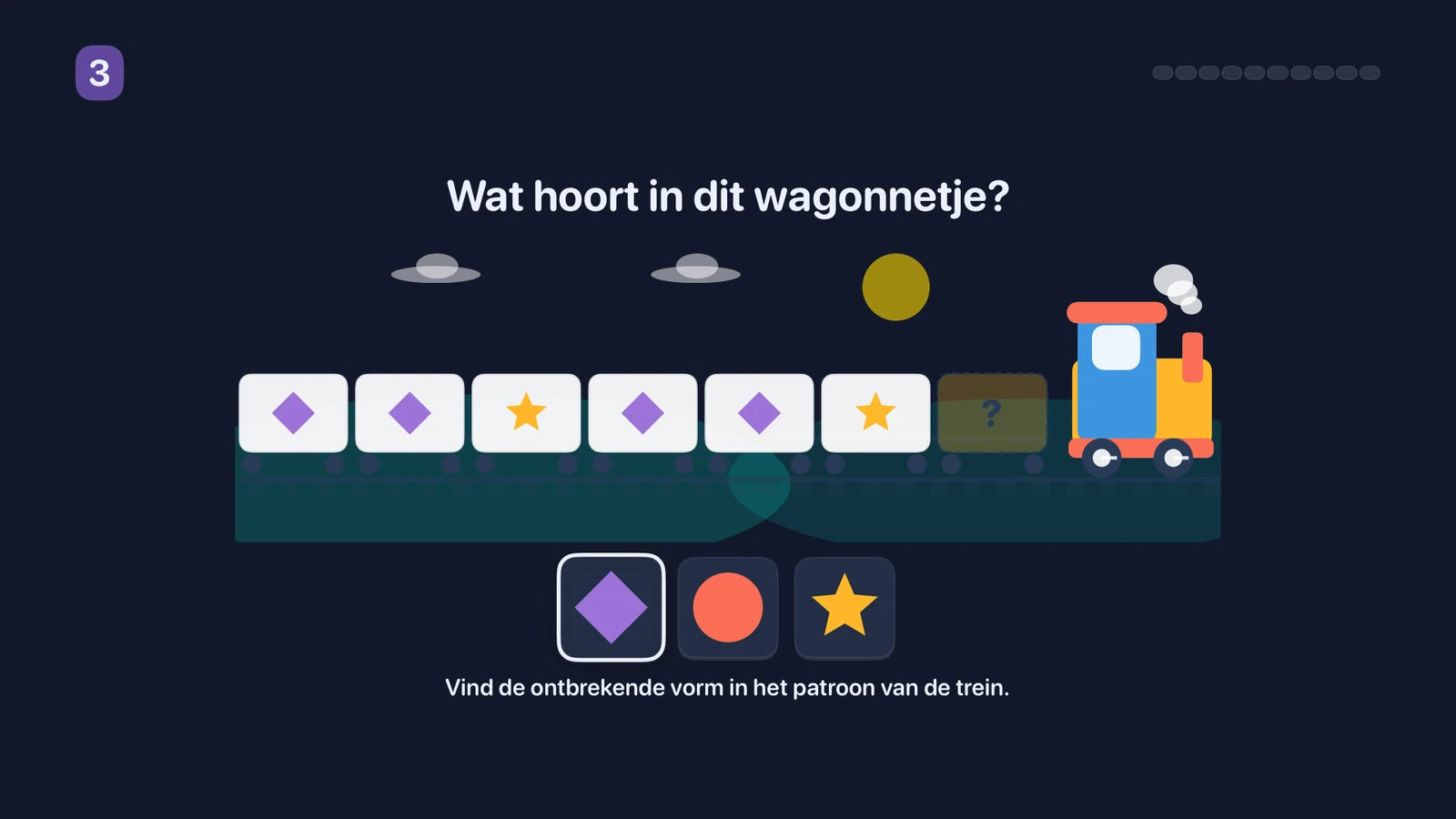
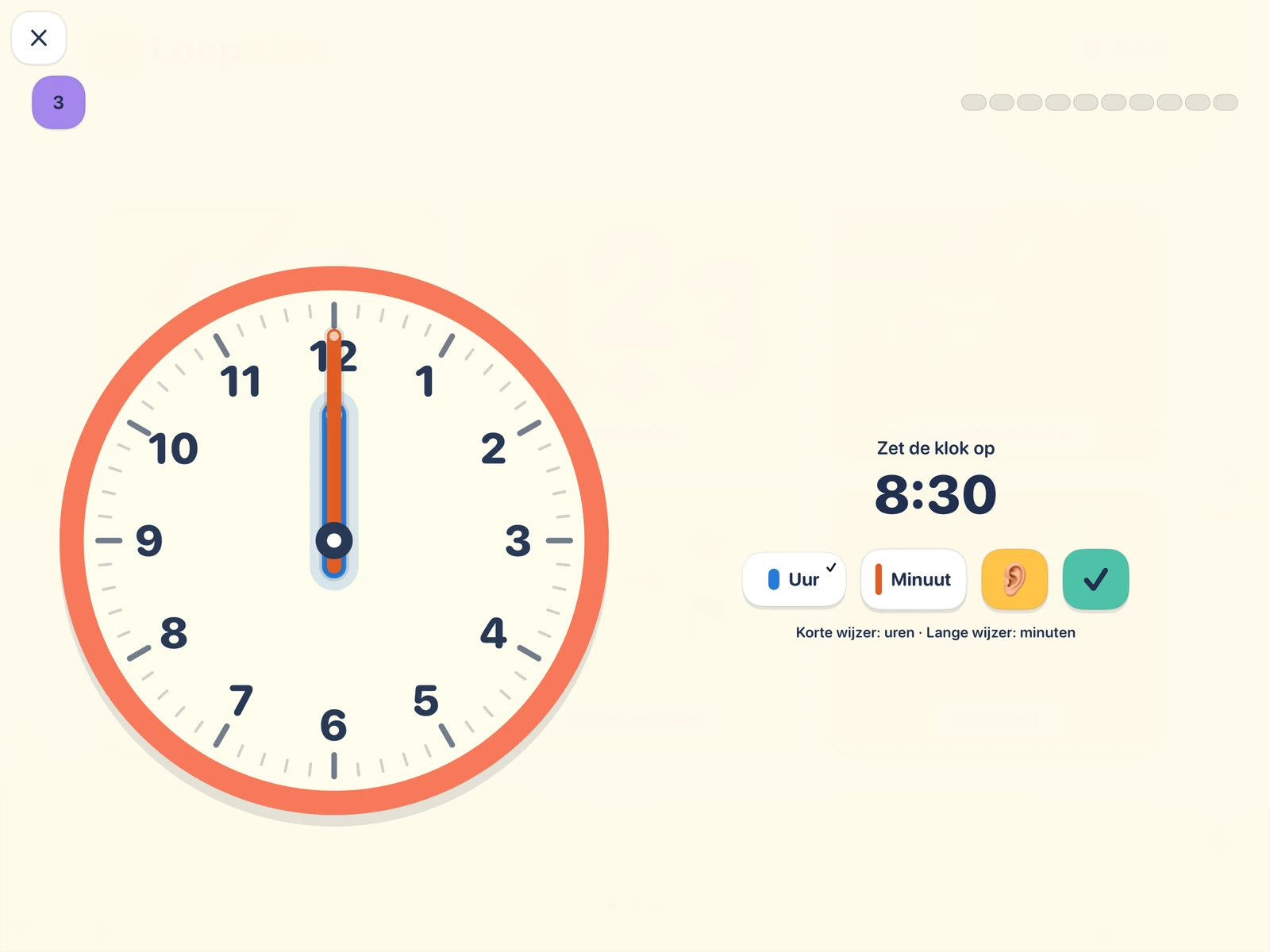
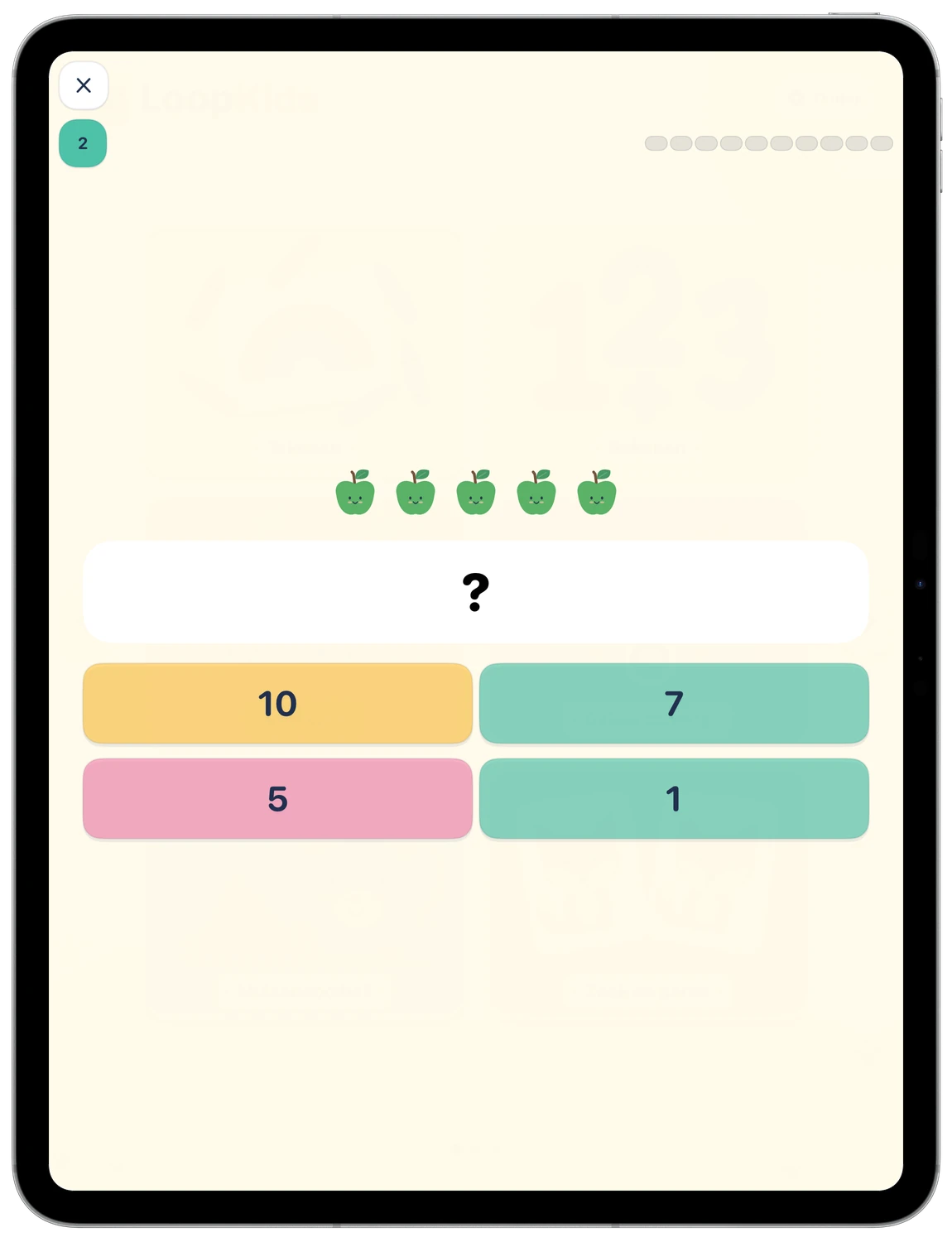
LoopKids brings playful games and creative activities together in a colourful world for children on iPad, Mac and Apple TV. Practise letters and numbers, learn to tell the time, solve patterns, plan a robot's route or head out on an adventure. Illustrated hints help children get started with the controls on their device.
Why I made LoopKids
Too many children's games interrupt play with ads, purchases and reminders to come back. I wanted a collection of games I felt comfortable handing to a child: something to enjoy, explore and learn from, with a clear place to stop.
LoopKids is completely free. There is no account to create, nothing to buy and no advertising to fund it. Every game works offline, and parents choose how much time to allow.
Parents set the pace
Protect the parent area with a four-digit PIN. Set a daily limit for active play or switch the timer off completely. With the timer enabled, time is shared across the games on that device; switching games does not start a new allowance. Menus and pauses do not use up playtime.
Round-based games can finish their current round when time runs out, while open-ended activities pause. A parent can add five extra minutes or change the allowance. The limit applies to LoopKids, not to other apps.
Parents can also reset high scores and completed levels separately. Settings and progress stay on the device.
Play without pressure to return
No ads, tracking, subscriptions or in-app purchases. No push notifications, daily streaks or rewards for coming back tomorrow. Children can return to the home screen when they are ready to stop.
Made for iPad, Mac and Apple TV
Use touch controls on iPad, a mouse and keyboard on Mac, or the remote on Apple TV. Clear hints explain the controls for each activity. Every available game works offline.
A world to discover
Play, create and try something new.

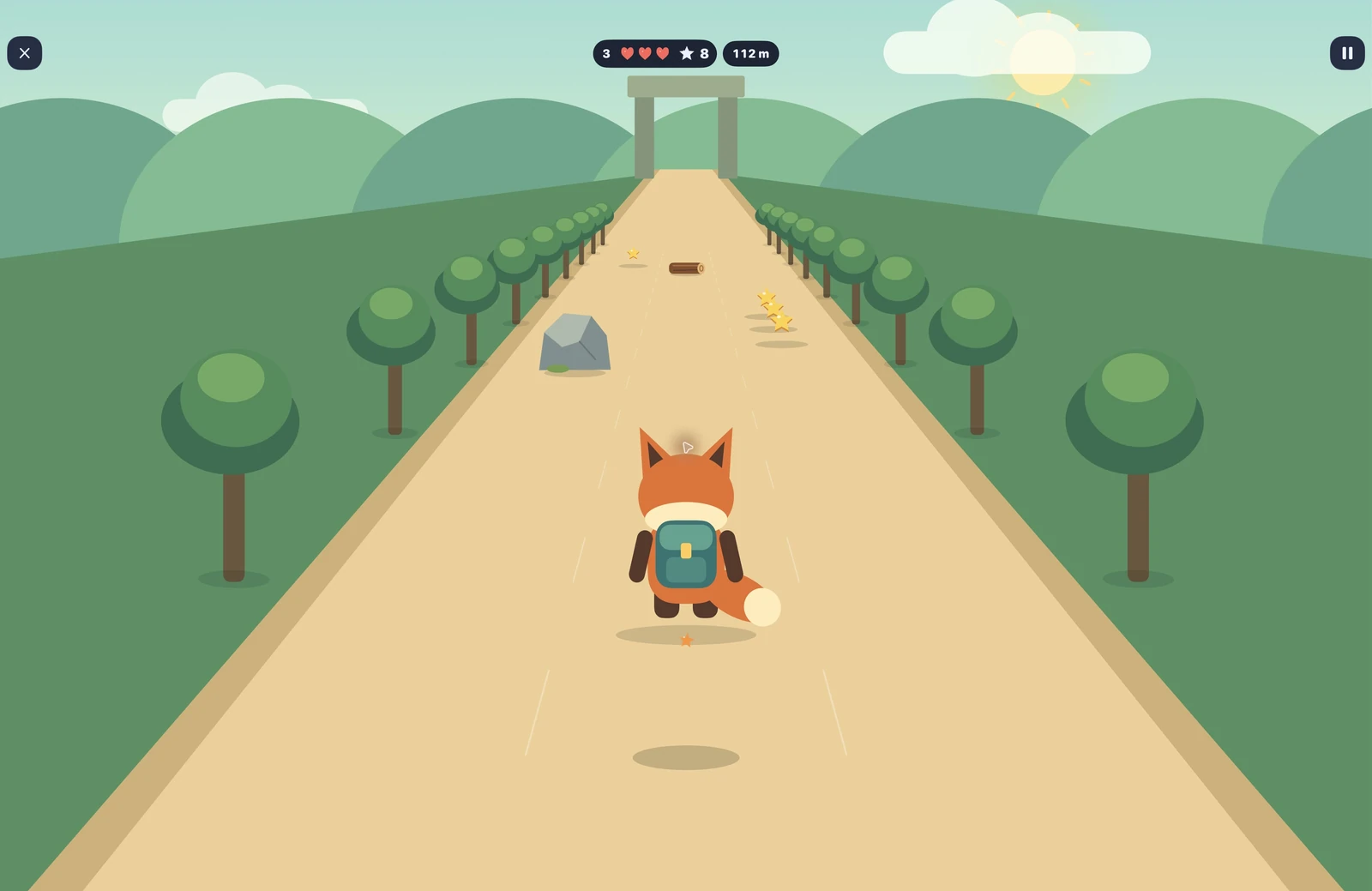

A look inside the game


Download LoopKids
Play on Apple TV.
-
Apple TV

Support
For questions, bug reports or suggestions, contact loopkids@murani.nl. Include your device model, app version, iPadOS, macOS or tvOS version, and a description of the issue. Please do not send your parent PIN or children's photos.
How do I set a daily playtime limit?
Open the parent area, set up your four-digit PIN and choose a daily allowance. LoopKids counts active play across its games on that device. Menus and pauses do not use up playtime. Parents can change the allowance, add five extra minutes or switch the timer off completely.
Does LoopKids need an internet connection?
No internet connection is needed to play. The games, illustrations and sounds are included in the app. An optional App Store review link is available behind the parent PIN; opening it uses Apple's services.
Are the same games available on every platform?
The selection varies between iPad, Mac and Apple TV. Some activities need controls or hardware that are not available on every device. Each platform shows the games it supports.
Where are photos and drawings saved?
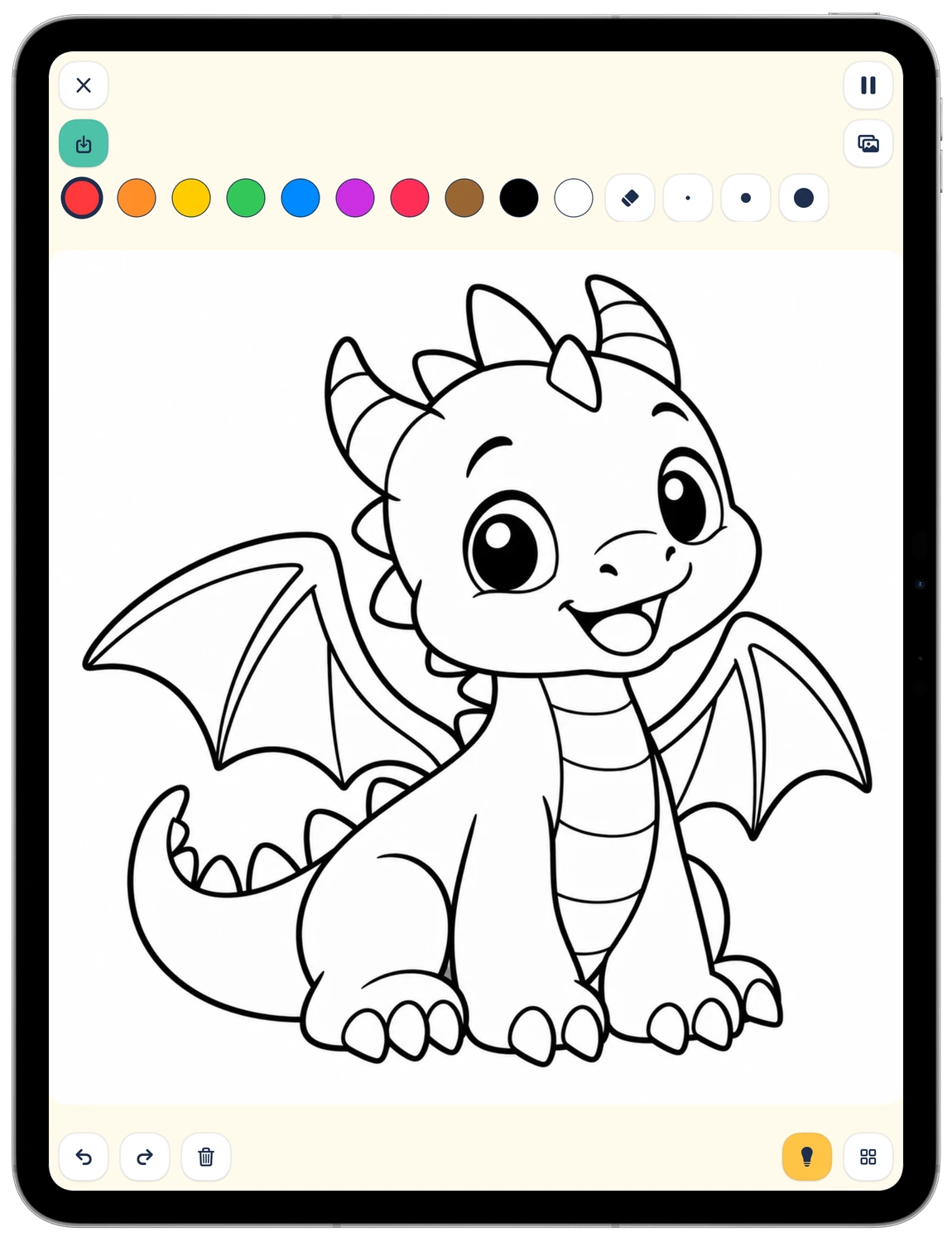
On devices that support these activities, saved photos and drawings stay in LoopKids's private local storage. Open the gallery to view them or continue a saved drawing. They are not added to the Photos library or uploaded by LoopKids. The gallery is excluded from device backups; removing the app's data also removes these creations.
Can I reset scores or game progress?
Yes. The PIN-protected parent area has separate controls for resetting high scores and completed levels. Progress and settings are stored locally and are not synchronised between devices.
Contacting support
If you email us, we receive your email address and the information you choose to send. We use that information to respond to your request and investigate the issue. This is separate from using the app, which does not send us this information automatically. You can contact us to ask about information you have supplied or request its correction or deletion.
Privacy policy
Last updated: 27 September 2026
This policy describes the LoopKids app, published by Murani Consultancy BV. For privacy questions, contact loopkids@murani.nl.
No tracking, advertising or analytics
LoopKids does not track children or parents. It has no advertising, tracking SDKs, analytics services or separate crash-reporting service. The app does not collect personal information or send gameplay activity, scores, photos or drawings to Murani or other external servers. There are no accounts, subscriptions or in-app purchases.
Information stored on your device
LoopKids stores settings, active playtime, saved progress and scores locally so its games and parent controls can work. Parent PIN verification data is protected in the device's Keychain; the PIN is not stored as plain text. There is no online PIN recovery.
LoopKids has no cloud storage or synchronisation service. Data is not synchronised between an iPad and an Apple TV. Ordinary settings and preferences may be included in the operating system's own device backups, depending on your system settings. Photos and saved drawings are excluded from those backups.
Camera, photos and drawings
Funny Camera uses the iPad's front camera when you open the activity and grant camera permission. Its decorative overlays do not identify or track faces. The app does not request microphone access.
Photos are saved only when you choose to save them. Saved photos and drawings remain in the app's private storage on your iPad. LoopKids never uploads them to the cloud, adds them to your Photos library or includes them in device backups, including iCloud Backup. The app has no photo-sharing feature. Murani cannot view or retrieve these files.
Apple services
Gameplay works offline. If a parent chooses the App Store review option behind the parent PIN, the app uses Apple's services to open the review page.
App Store and TestFlight services, and any diagnostics or feedback shared through Apple, are handled separately under Apple's policies and your sharing settings. These are separate from LoopKids's own local storage and do not give Murani access to the app's private photo and drawing gallery.
Retention and deletion
Saved photos and drawings remain on your iPad until you delete them or delete the app. Individual items can be deleted from the gallery after confirmation. Deleting the entire gallery requires the parent PIN and confirmation.
Other local settings, progress and scores remain on the device until reset or removed. Removing the app's data also removes its local gallery; offloading an app can preserve its data. Operating-system backups and Keychain storage are managed separately by Apple. Murani has no server-side copy of your gameplay data, photos or drawings to recover or delete.