 Game Studio



LoopJunior
Offline games and creative activities for young children on iPhone and iPad. Draw, make music and explore a paper circus at your own pace, with playtime chosen by parents. No ads, tracking or in-app purchases.
Play, make and discover
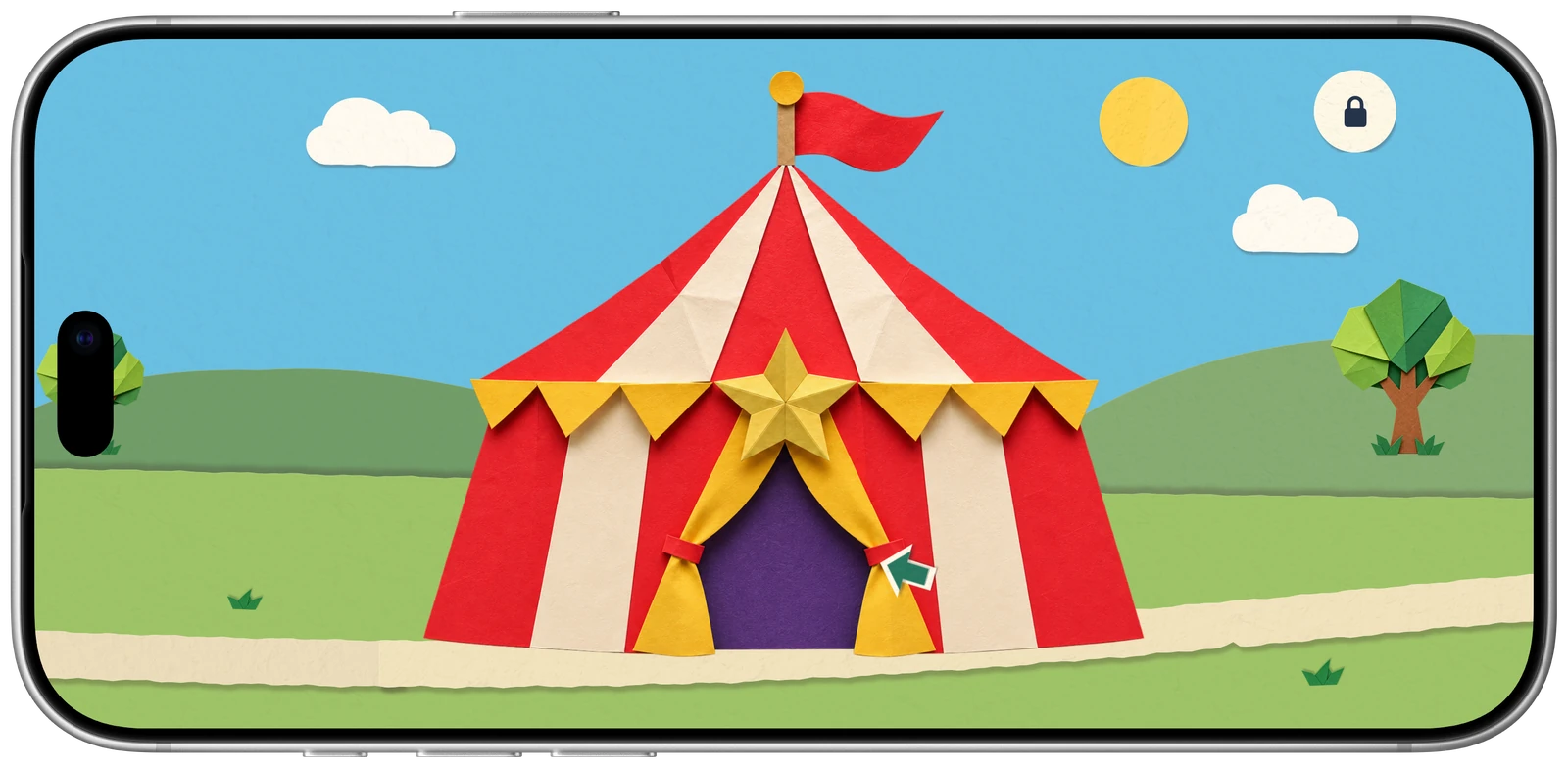
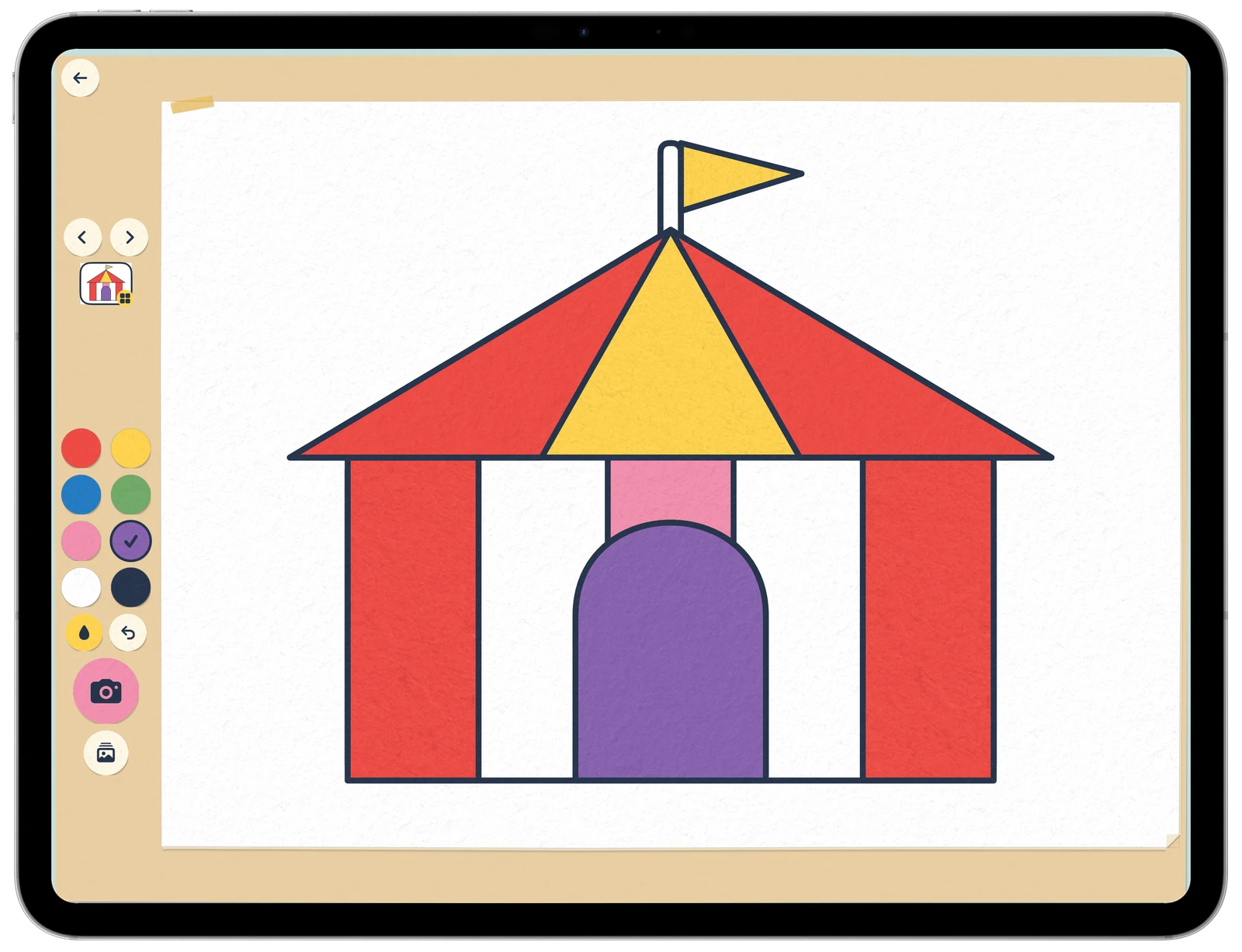
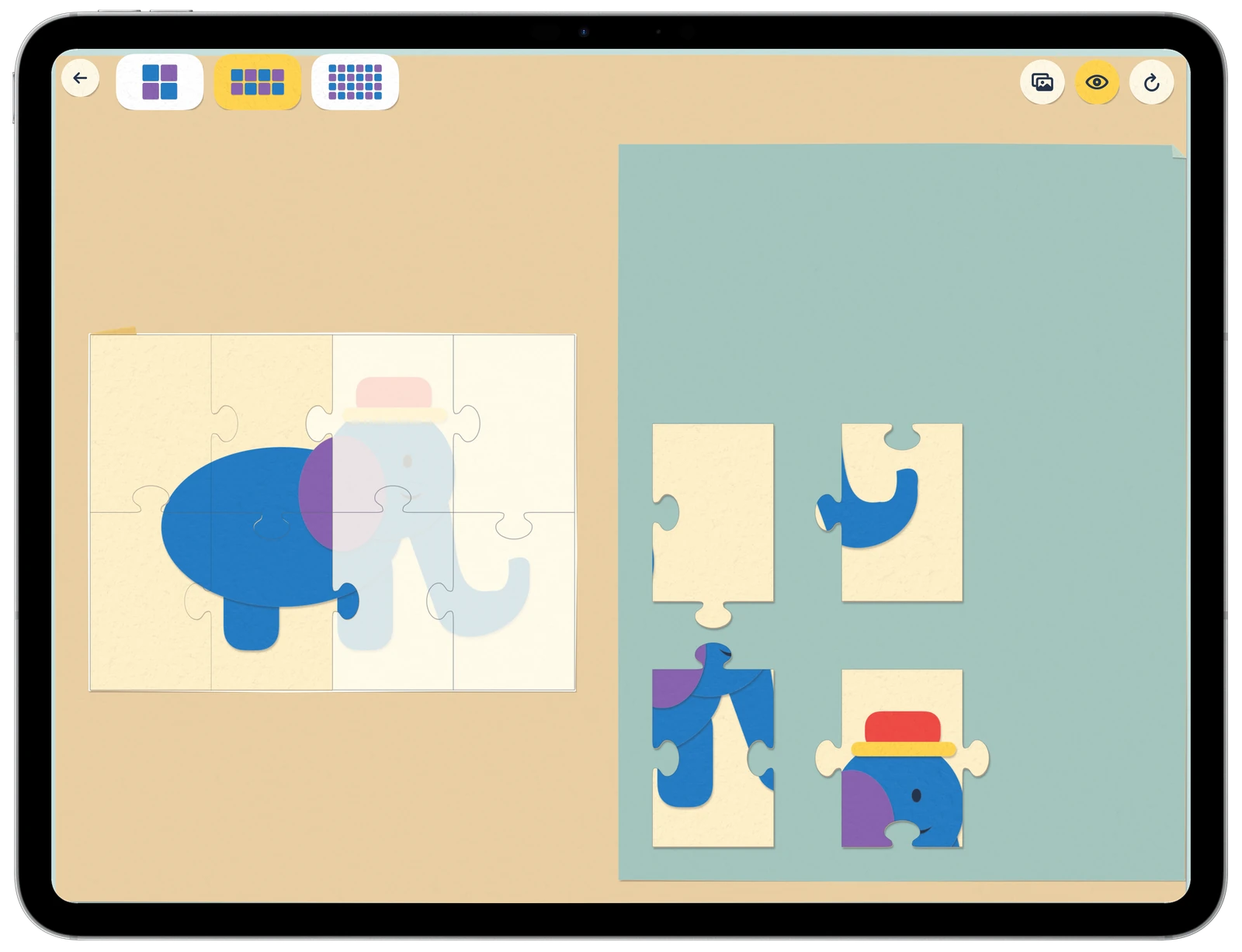
LoopJunior brings games and creative activities together in a paper circus for young children. Colour a picture, piece together a puzzle, make music or help Ollie balance on his ball. Visit the caravans, meet the animals and see what clown Anna is up to.
Play without interruptions
There is no account to create, no advertising and nothing to buy inside the app. Children can explore and try things at their own pace. The games, illustrations and sounds are included, so everything works offline.
Parents set the pace
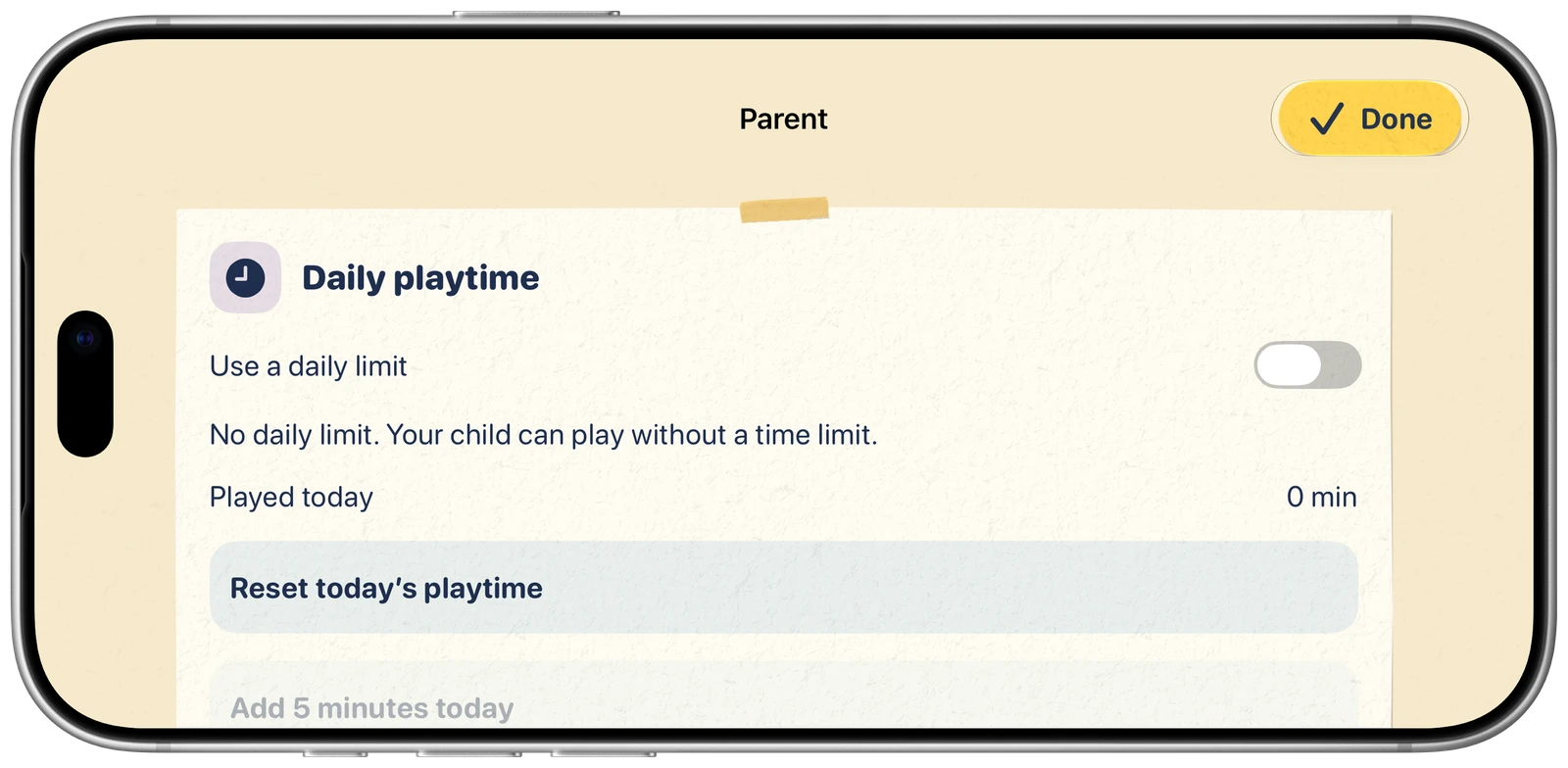
Protect the parent area with a four-digit PIN. Choose a daily playtime allowance or switch the timer off. Parents can change the allowance or add five extra minutes.
Adjust sound, choose touch instead of tilt controls and use calmer scenery when helpful. The parent area also lets you clear photos and drawings or reset scores and progress. Settings and progress stay on the device.
Made for iPhone and iPad
LoopJunior is designed for children around three to four years old. Simple touch controls and clear pictures help them get started. Play on iPhone or use the larger iPad screen for drawing, puzzles and music.
Step into the circus
Meet Anna, help Ollie balance and make something of your own.
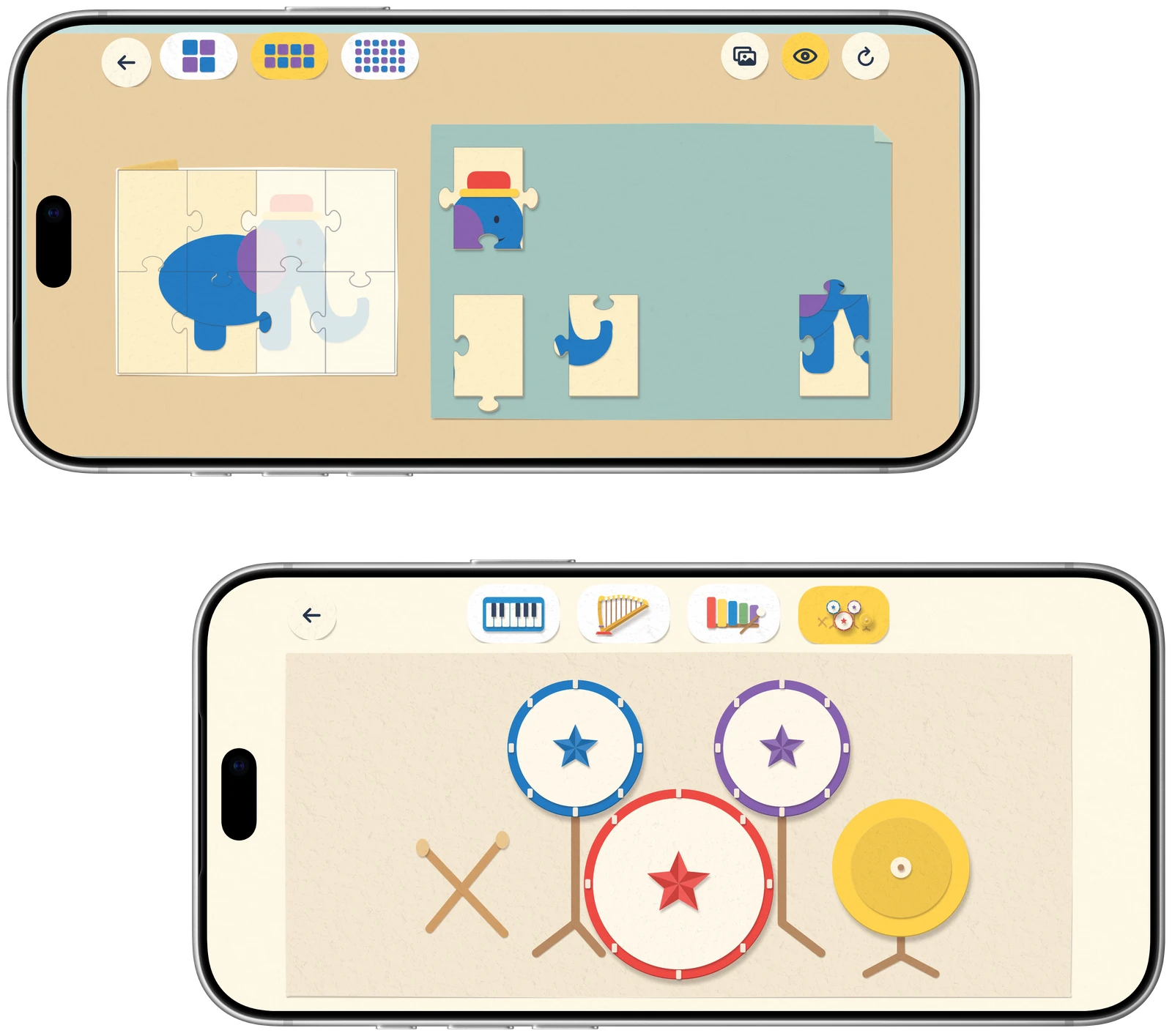
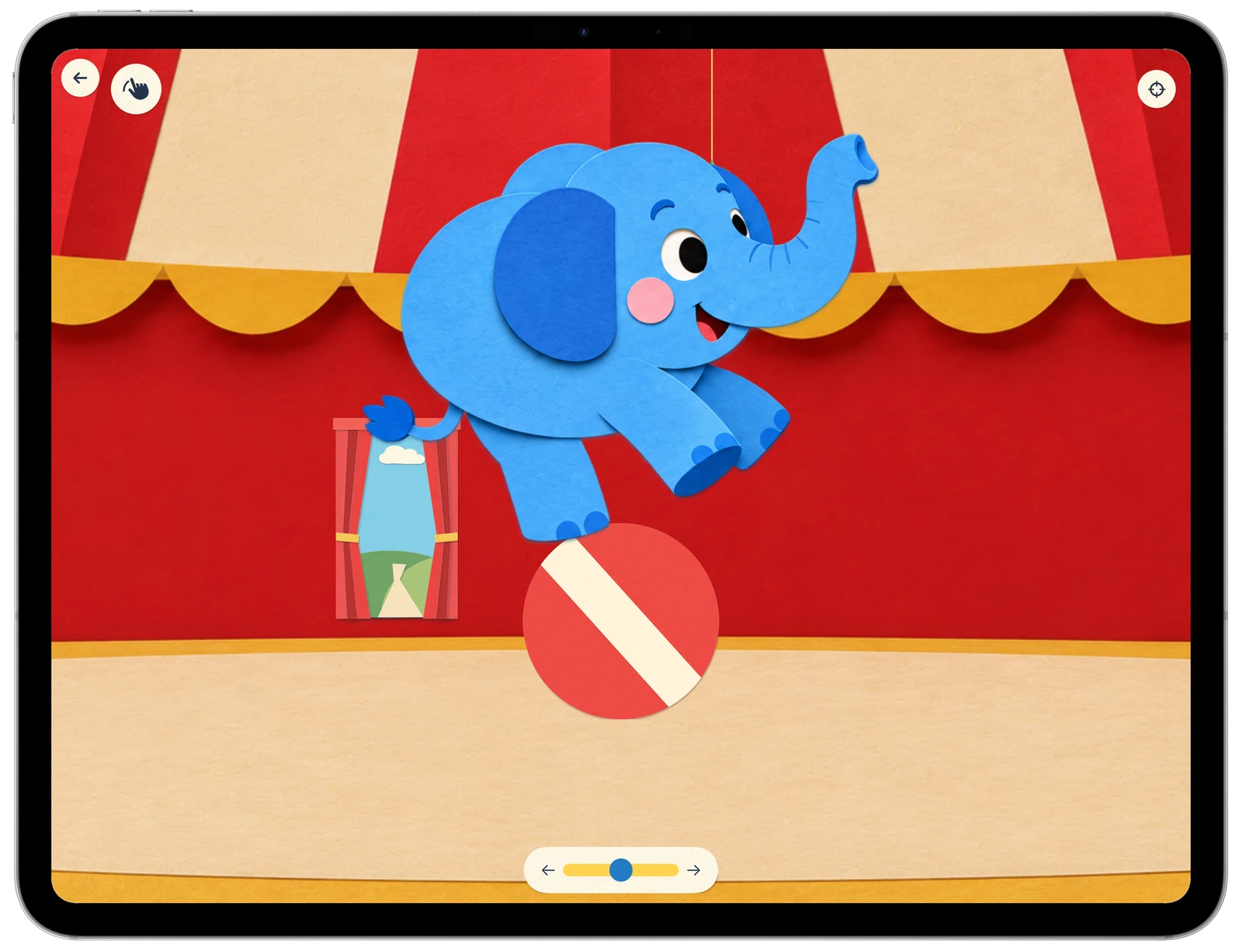
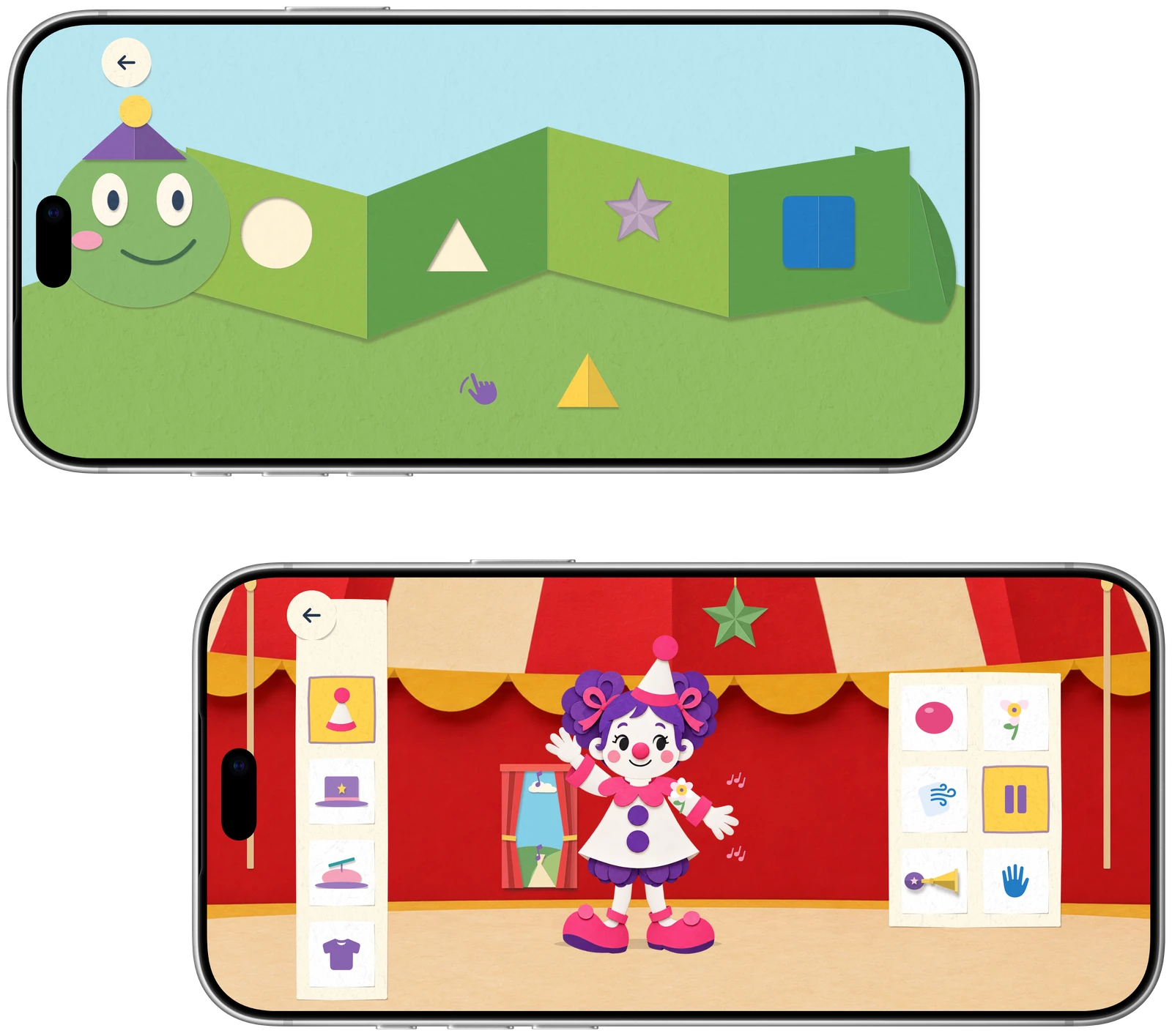
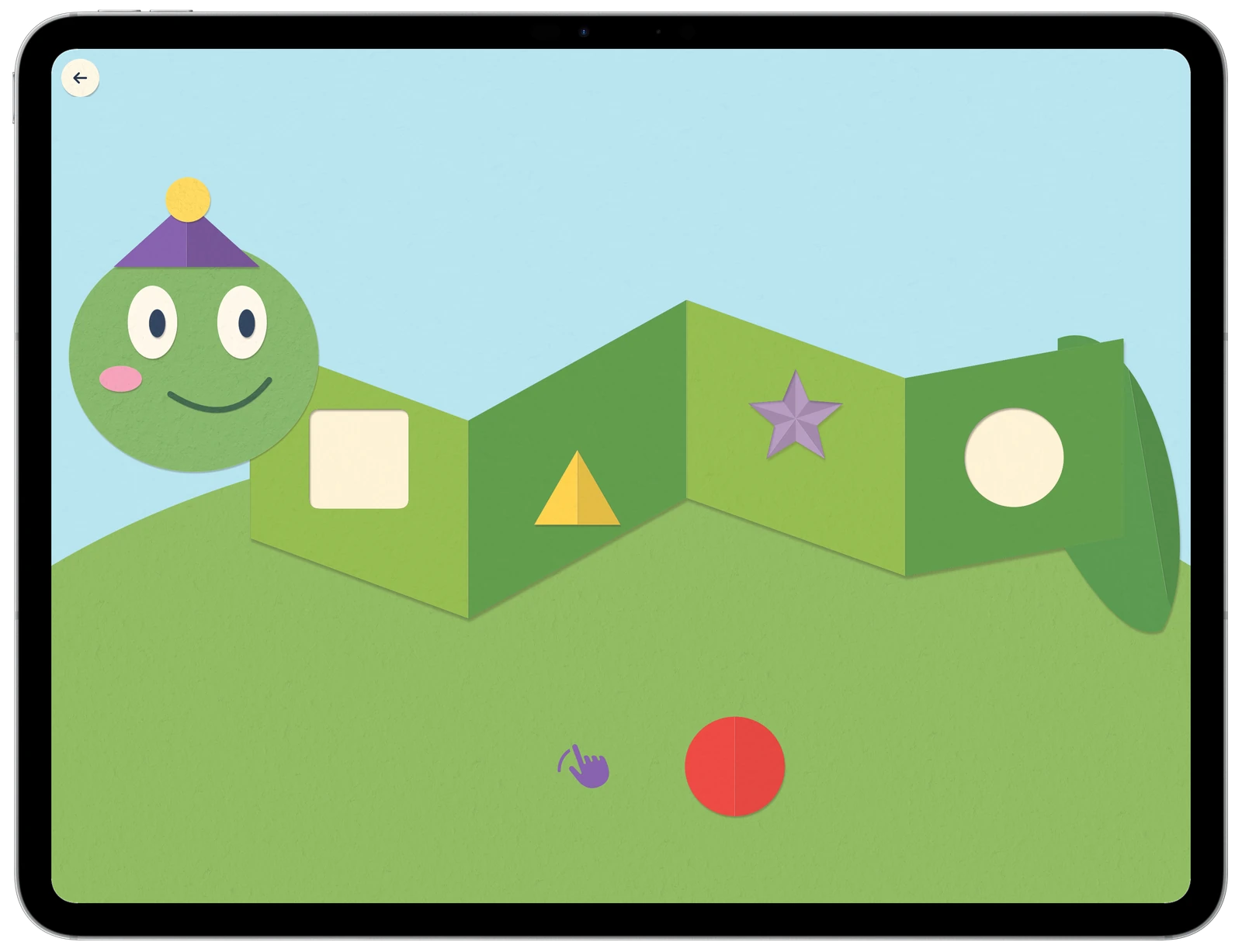
A look inside the game

Download LoopJunior
This game is not available to download yet.
Support
For questions, bug reports or suggestions, contact gamestudio@murani.nl. Include your device model, app version, iOS or iPadOS version, and a description of the issue. Please do not send your parent PIN or children's photos.
How do I set a daily playtime limit?
Open the parent area, set up your four-digit PIN and choose a daily allowance. Parents can change the allowance, add five extra minutes or switch the timer off. Time in the parent area and time while the app is in the background do not use up playtime.
Does LoopJunior need an internet connection?
No internet connection is needed to play. The games, illustrations and sounds are included in the app. LoopJunior works on iPhone and iPad with iOS or iPadOS 17 or later.
What if I forget the parent PIN?
Choose Forgot PIN? on the parent screen. You can view your saved hint or answer the maths question to set a new PIN. This happens on your device and needs no account or email.
Where are photos and drawings saved?
Photos are saved after taking them, and drawings are saved as you work. Open the album or creation library to find them. They stay in LoopJunior's own storage and are not added to the Photos app or uploaded by LoopJunior. Device backups may include them. Removing the app's data also removes these creations.
How do I use the camera or change tilt controls?
The photobooth needs camera permission. You can allow access for LoopJunior in your device's Settings under Privacy & Security → Camera. Other activities work without it. To use touch instead of tilting, turn off tilt controls in the parent area's sound and controls settings.
Can I reset scores or game progress?
Yes. The parent area has separate controls for resetting scores and progress, clearing drawings and deleting photos. Resetting scores or progress keeps your photos and drawings. Settings and progress are not synchronised between devices.
For information about local data, backups and contacting support, read the privacy policy.
Privacy policy
Last updated: 2 November 2026
This policy describes LoopJunior, published by Murani Consultancy BV in the Netherlands. For privacy questions, contact gamestudio@murani.nl.
No tracking, advertising or analytics
LoopJunior does not track children or parents. It has no advertising, tracking SDKs, analytics services or separate crash-reporting service. Gameplay does not send photos, drawings, scores or playtime to Murani or other external servers. There are no accounts, subscriptions or in-app purchases.
Information stored on your device
LoopJunior stores settings, playtime, progress and scores locally so its games and parent controls can work. Parent PIN verification data and an optional hint also stay on the device. The PIN is not stored as plain text; recovery happens locally.
Balancing games can use the device's movement for steering. These readings are used while playing, are not saved or sent to Murani, and can be replaced with touch controls in the parent area.
Camera, photos and drawings
The photobooth uses the front camera when you open it and grant permission. Its decorations do not identify faces. The app does not request microphone access.
Photos are saved after taking them, and drawings are saved as you work. They remain in the app's own storage. LoopJunior does not upload them, add them to your Photos library or offer photo sharing. Murani cannot view or retrieve them.
Backups and deleting data
LoopJunior has no cloud storage or synchronisation service. However, settings, photos and drawings may be included in Apple's device backups, depending on your settings.
Local data stays until you clear it, reset it or remove the app's data. The parent area has separate controls for photos, drawings, scores and progress. Offloading the app can preserve its data. Backups are managed separately by Apple; Murani has no server copy to restore.
Apple services and TestFlight
Downloads, updates, App Store reviews and any device diagnostics you choose to share use Apple's services and policies.
If you test a beta through TestFlight, Apple automatically shares usage and crash information with us, along with feedback you submit. This can include app and device details and, for email invitations, your name and email address. We use it to investigate problems and improve LoopJunior. See TestFlight & Privacy.
Contacting us and your privacy rights
If you email us, we receive your email address and the information you choose to send. We use it to answer your request. Please do not send your parent PIN or children's photos.
We handle support messages and beta feedback on the basis of our legitimate interest in helping users and fixing the app. Our email provider delivers and stores correspondence. We keep messages and diagnostic copies only as long as needed for the issue and follow-up, unless a legal obligation requires longer retention.
You can email us to request access, correction, deletion or restricted use of information we hold, object to its use, or request a portable copy where applicable. You can also complain to the Autoriteit Persoonsgegevens or your local privacy authority. Data held only on your device can be removed using the app's controls.